

Table of Contents
TL;DR: 73% of writers say AI helps overcome writer's block (Writer's Digest Survey, 2024). 92% of Sudowrite users complete manuscripts faster (Sudowrite User Survey, 2024). This guide walks you from blank page to first chapter using Sudowrite's Story Bible and Blank Page Button—no cursor-staring required. Jump to: How It Works | Walkthrough | Comparison Table | FAQ
Here's the thing about starting a novel: everybody wants to have written one. Nobody wants to sit in front of that blinking cursor at 2 AM, wondering if their idea about a detective who can taste emotions is brilliant or certifiably insane.
You're not alone. The blank page has killed more novels than bad reviews ever will. And the usual advice—"just write!"—is about as useful as telling a drowning person to "just swim."
This guide is different. We're walking through a concrete workflow that takes you from a half-baked idea to a structured first chapter, using Sudowrite's AI tools built specifically for fiction writers. No vague inspiration. No motivational posters. Just a system that works.
What Does "Starting a Novel" Actually Mean?
Let's get one thing straight: starting a novel isn't typing "Chapter One" and hoping for the best. It's the messy, unglamorous work of turning a vague feeling—I want to write something about time travel and regret—into a story with characters, conflict, and direction.
It means building the scaffolding before you paint the cathedral. That includes nailing down your premise, understanding your characters, mapping your world, and outlining enough structure to write forward with confidence.
According to an Authors Guild Survey (2024), 67% of professional novelists now use AI tools in some part of their process. The question isn't whether to use them. It's how to use them well.
Why the Blank Page Wins (And How to Fight Back)
The blank page wins because it offers infinite possibility—and infinite possibility is paralyzing. When you could write anything, you end up writing nothing.
A Writer's Digest Survey (2024) found that 73% of writers say AI helps them overcome writer's block. Not because AI writes the book for you. Because it gives you something to react to. A starting point. A bad first sentence you can improve. Anything beats nothing.
As novelist Kayla puts it:
"It auto-writes when you get stuck. It's the single greatest feature."
The trick is breaking the infinite into the finite. Instead of "write a novel," you need "answer these ten questions about your story." That's what Sudowrite's Story Bible does—it turns the overwhelming into the manageable.
How Sudowrite Takes You from Idea to First Chapter
From Brain Dump to Story Bible
The problem: You have fragments—a character name, a mood, a scene that won't leave your head—but no structure. Most writers try to force these fragments into an outline too early and lose the spark.
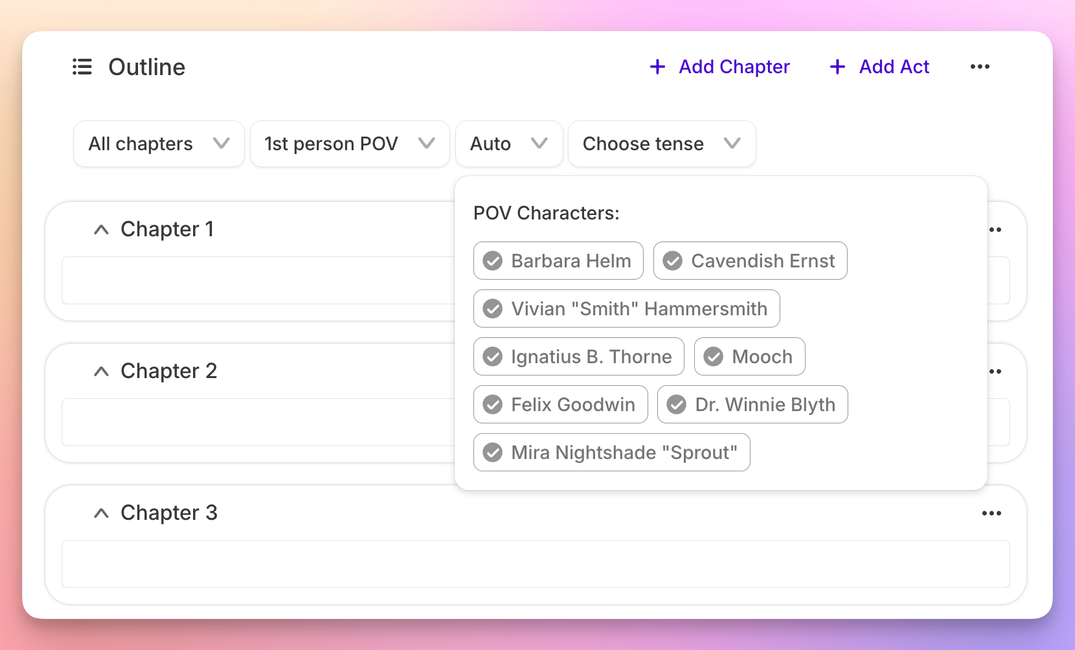
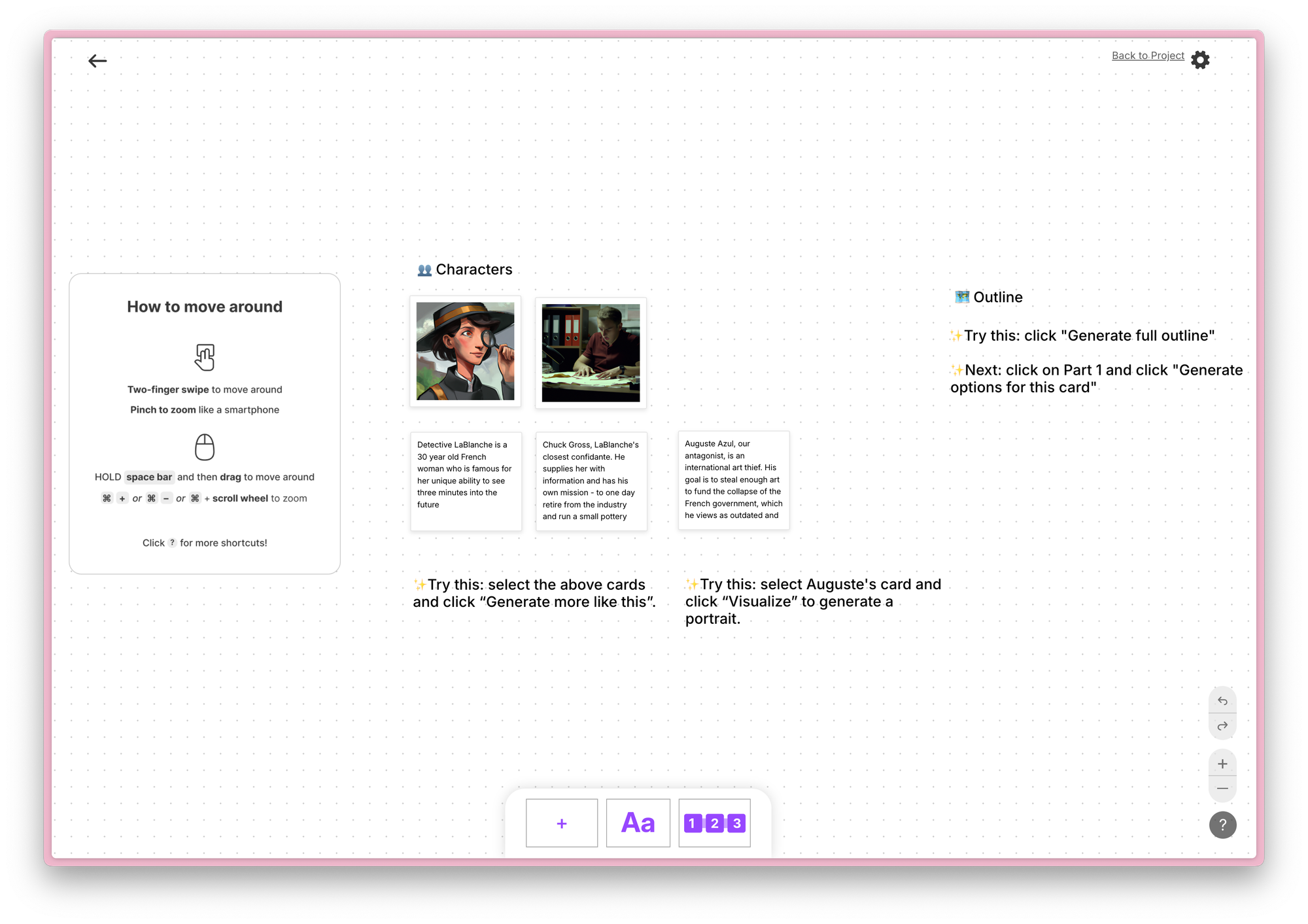
The solution: Sudowrite's Story Bible starts with a Braindump. You pour in everything—ideas, vibes, character sketches, plot fragments, even fever dreams. Then it walks you through a structured sequence: Synopsis → Genre → Characters → Worldbuilding → Outline → Scenes.
Erwin T. Hurst Sr. has published 9 books with 32 more waiting in his pipeline—that kind of output comes from a system, not willpower. The Fiction Writers Survey (2024) found 89% of writers reported better prose quality using fiction-specialized AI versus general-purpose tools. Sudowrite's Muse model is trained specifically on fiction, which is why it sounds like a novel and not a corporate memo.
The Blank Page Button: Three Openings, Zero Excuses
Writers produce first drafts 40% faster with AI assistance, according to a Publishing Perspectives Study (2024). Sudowrite's Blank Page Button shows you why.
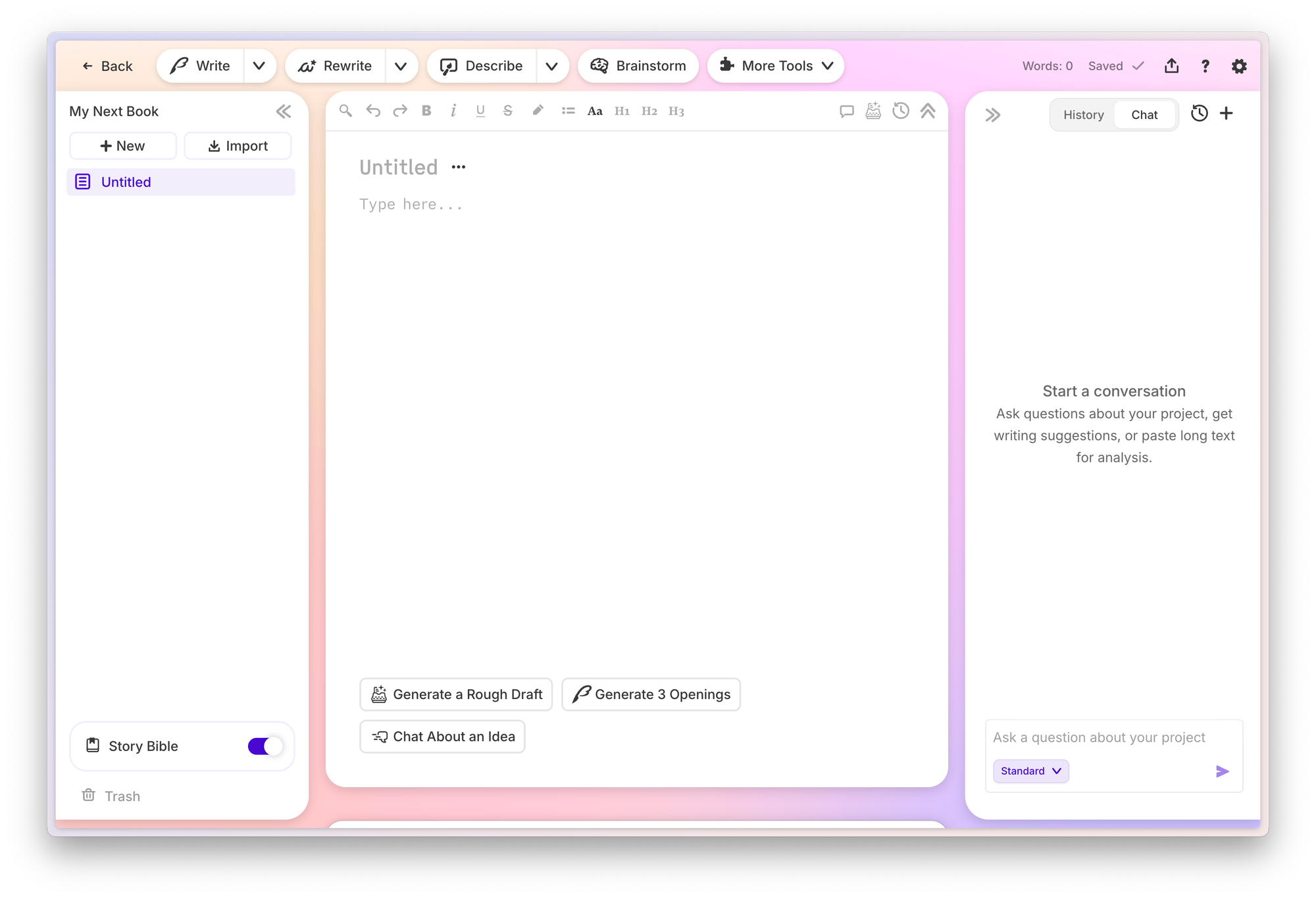
Hit the button. Sudowrite generates three different opening options based on your Story Bible. Different tones. Different entry points. Different hooks. Pick the one that resonates—or frankenstein pieces together.
Joe Vasicek, a working novelist, saw his timeline collapse:
"What used to take me six months of writing now takes about one or two months."
That's not because AI wrote his book. It's because he stopped spending weeks agonizing over paragraph one.
Getting Started: A Realistic Walkthrough
Let's take a real scenario. You've got an idea: a burned-out therapist discovers she can hear her patients' thoughts—and one of them is planning a murder.
Step 1: Dump Everything You've Got
Open Sudowrite. Hit Braindump in the Story Bible. Type everything you know:
Therapist, mid-40s, divorced. Can suddenly hear thoughts. One patient—charming, successful—is planning to kill his wife. She can't go to police (who'd believe her?). Has to stop him using therapy sessions.
Don't edit. Don't organize. Just dump. Francisco, a Sudowrite user, notes the tool excels at "phrasing alternatives"—it'll help you articulate what you're circling around but can't quite pin down.
Step 2: Build Your Story Bible
The problem: Raw ideas with no architecture collapse under their own weight by chapter three.
The solution: Sudowrite takes your braindump and builds out:
- Synopsis: One-paragraph story summary
- Characters: Full character cards with motivations, flaws, and voice
- Worldbuilding: The therapy practice, the city, the rules of the telepathy
- Outline: Chapter-by-chapter structure
- Scenes: Beat-by-beat breakdown of your first chapter
Gianmarco has generated over 270,000 words using this workflow. It's not about raw quantity—it's about having a structure that lets you write with confidence instead of guesswork.
Step 3: Generate Your Opening
With your Story Bible built, use the Blank Page Button. Sudowrite generates three opening options. Maybe one starts mid-therapy-session. Another opens the moment the telepathy kicks in. A third begins the morning after, with coffee and dread.
Use the Creativity Slider to control how wild the suggestions get. Use Chat as a writing coach to workshop your favorite. Then use Write (Guided mode) to keep building forward.
Piero, a Sudowrite user, captures it simply: the tool gives you exactly the feedback and momentum you need to push past the stuck points.
Ready to try it? Start your first chapter with Sudowrite →
Best Practices for Your First Chapter
Picture this: you've generated three openings, and none of them are quite right. Good. That's the point.
Liese Sherwood-Fabre, who has sold over 9,000 books, uses Sudowrite because of "the ease and speed" it provides. But she's not copying AI output verbatim. She's using it as raw material.
Best practices:
- Use Canvas for visual story planning before you write prose
- Iterate with Brainstorm—generate 10 ideas, keep 2
- Let the Creativity Slider do its job—turn it up when stuck, down when you need precision
- Treat AI output as a first draft of a first draft—your voice comes from the editing
The Alliance of Independent Authors Report (2024) found AI-assisted writers cut revision time by 35%. Not because the first output is perfect—because having something to revise beats having nothing.
Common Mistakes That Kill Your Momentum
The problem: Writers treat AI as either a magic solution or an existential threat. Both attitudes sabotage your novel before it starts.
Mistake 1: Over-editing before you have a full draft. Get the chapter down first. Polish later. Sudowrite Internal Data shows users save 15 hours per week on revision—but only when they resist perfecting each sentence in real-time.
Mistake 2: Skipping the Story Bible. Jumping straight to prose without building your foundation means you'll hit a wall by chapter three. 86% of Sudowrite users say the Story Bible helped them overcome plot problems (Sudowrite User Feedback, 2024).
Mistake 3: Using general AI for fiction. ChatGPT writes a novel the way a calculator composes music. It'll produce words. They won't sound like fiction.
How Sudowrite Compares
Eric has written 1.2 million words with Sudowrite. He didn't get there using ChatGPT. Here's why:
| Feature | Sudowrite | ChatGPT / General AI | No AI (Traditional) |
|---|---|---|---|
| Fiction-trained model | ✅ Muse model | ❌ General purpose | N/A |
| Story Bible workflow | ✅ Full pipeline | ❌ Manual prompting | ❌ Manual only |
| Blank Page Button | ✅ 3 options generated | ❌ | ❌ |
| Character cards | ✅ Auto-generated | ❌ | ✍️ Manual |
| Avg. time to first chapter | Days | Weeks (prompt wrangling) | Weeks to months |
| Prose quality (fiction) | High (specialized) | Medium (generic) | Varies |
| Story structure support | ✅ Canvas + Outline | ❌ | Varies by method |
92% of Sudowrite users complete manuscripts faster than their pre-Sudowrite pace (Sudowrite User Survey, 2024). The difference is specialization.
FAQ
How long does it take to go from idea to first chapter with Sudowrite?
Most users complete their first chapter within a few days using the Story Bible workflow. The planning phase—Braindump through Outline—can happen in a single session.
Do I need writing experience to use Sudowrite?
No. The Story Bible guides you step by step. Experienced writers benefit too—it accelerates the parts of novel-writing that slow everyone down.
Will my novel sound like AI wrote it?
Only if you let it. Sudowrite generates options; you make the creative decisions. The Creativity Slider and Chat features give you control over voice and tone.
Is Sudowrite only for novels?
It handles fiction of all lengths—novels, novellas, short stories. The Story Bible scales to your project.
How is Sudowrite different from ChatGPT for writing fiction?
Sudowrite uses Muse, a model trained on fiction. General AI tools lack story structure awareness, character consistency, and genre-appropriate prose quality. The Fiction Writers Survey (2024) found 89% of writers report better results with specialized tools.
Key Takeaways
- The blank page problem is real—but it's a systems problem, not a talent problem
- Sudowrite's Story Bible turns chaos into structure: Braindump → Outline → Scenes
- The Blank Page Button gives you three openings to react to instead of zero
- Fiction-specific AI outperforms general tools for novel writing
- Your voice comes from choosing, editing, and directing—not from typing every word yourself
Ready to stop staring at the blank page? Start your first chapter with Sudowrite →